Seamless Pattern
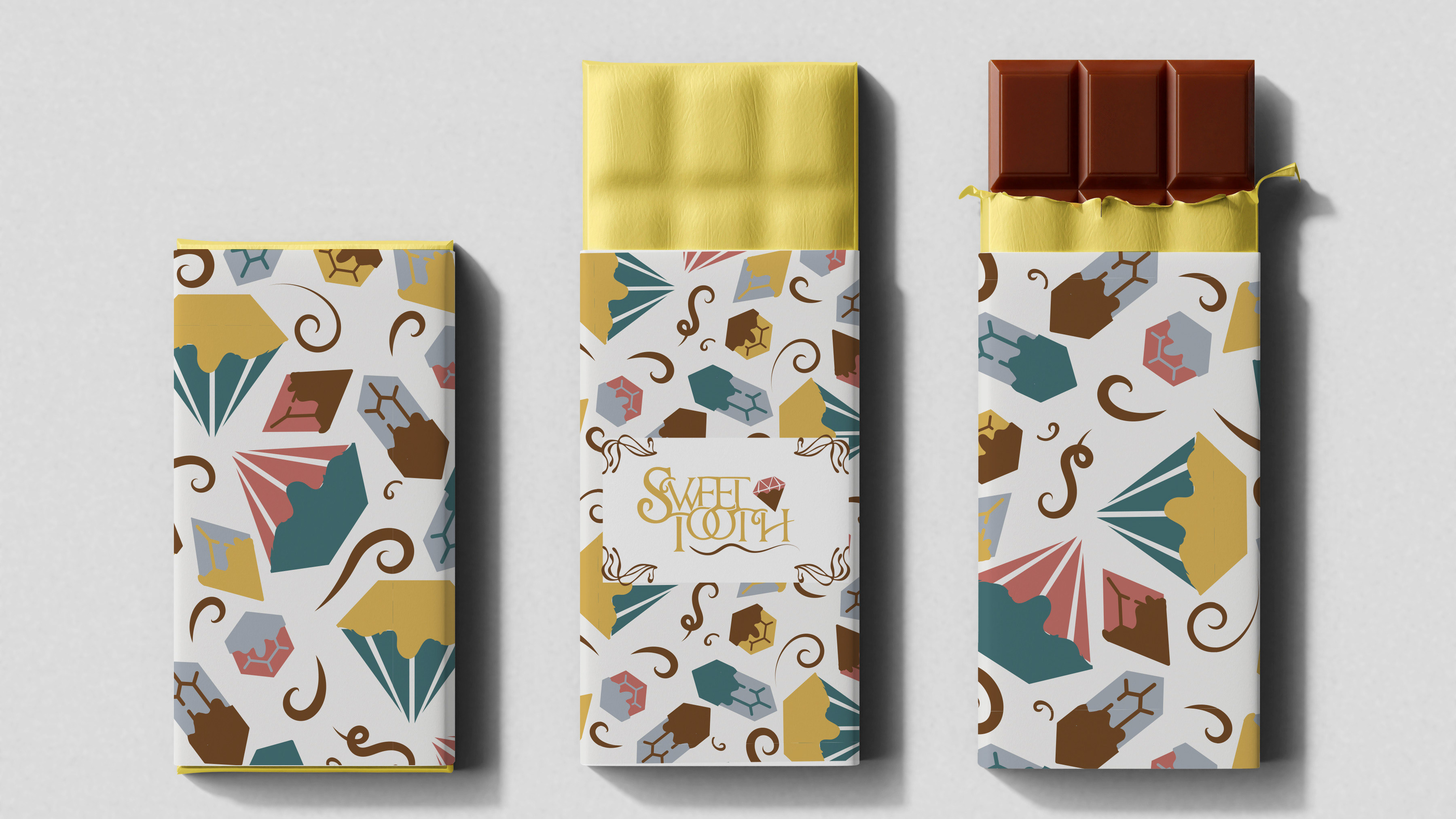
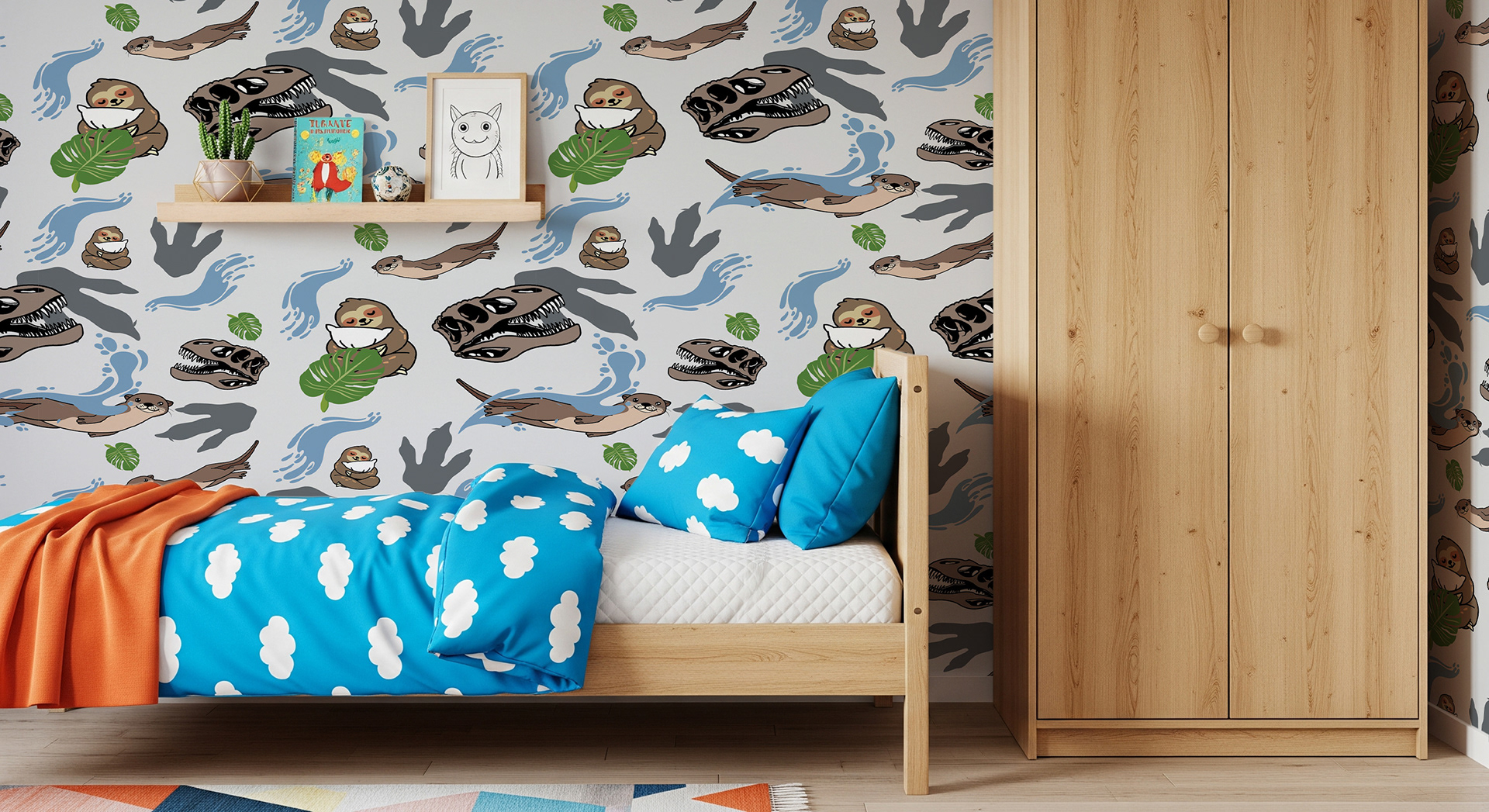
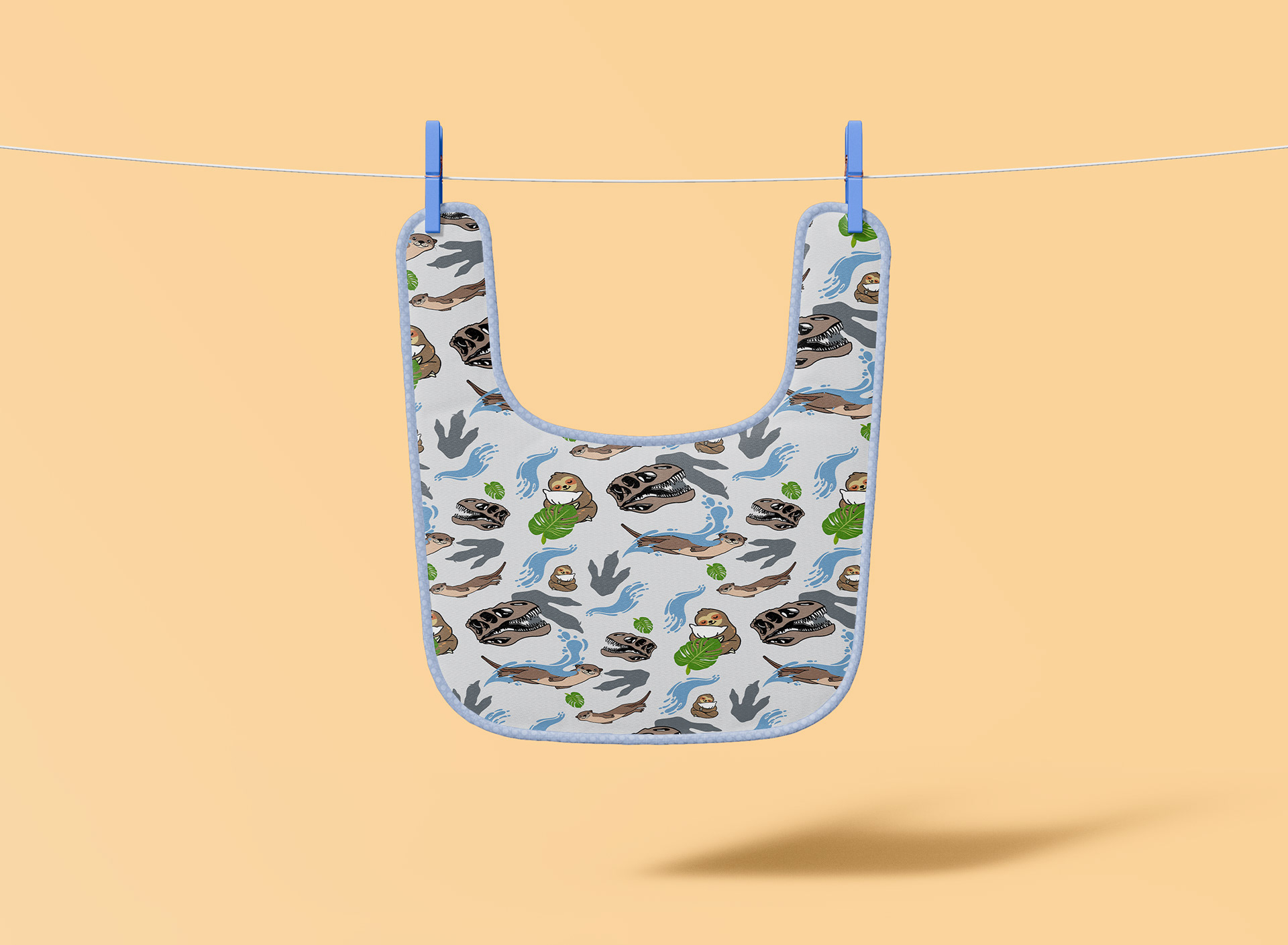
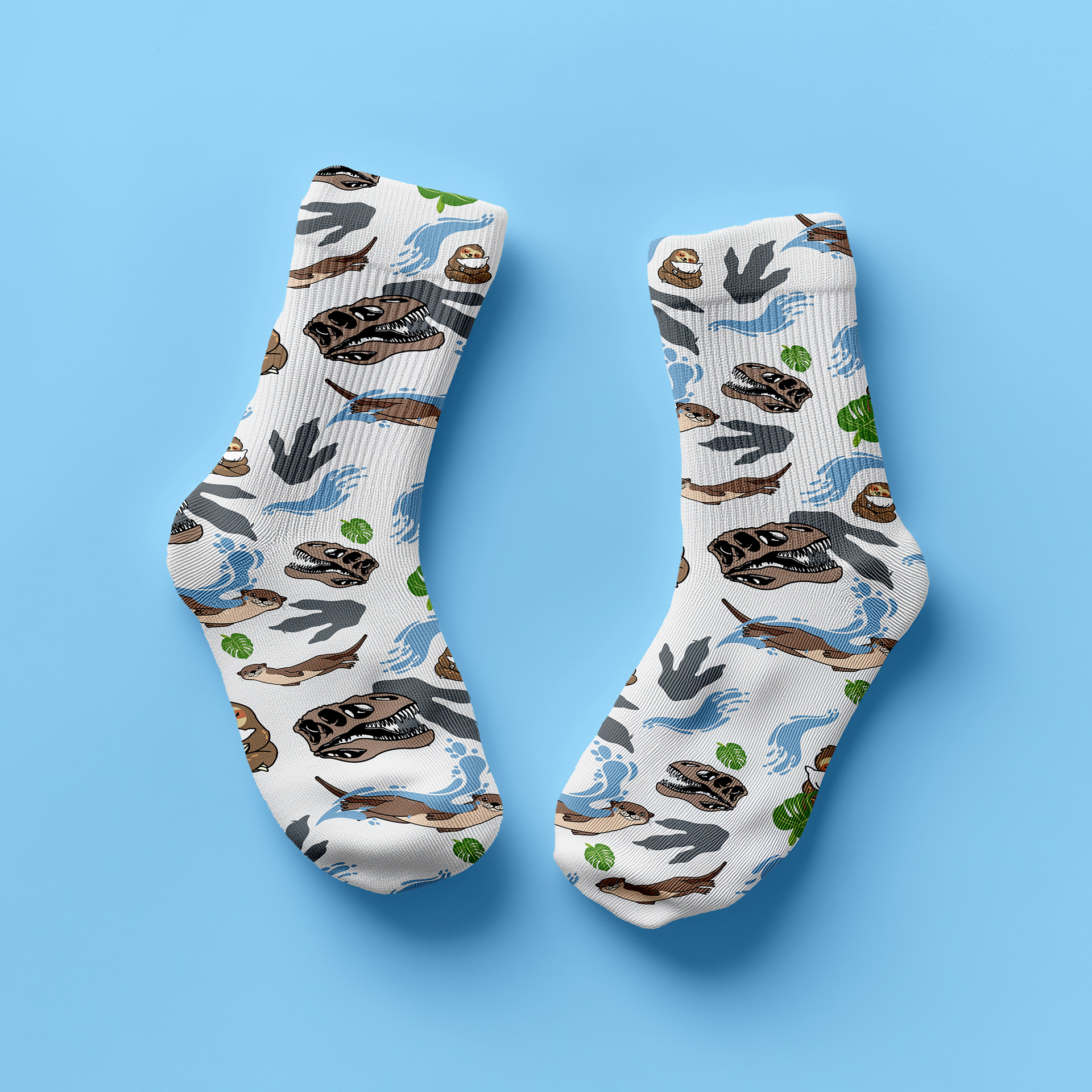
When it comes to a seamless pattern and how it differs, the main aspect is that you cannot tell where the pattern begins or ends. In normal patterns, you can see the outline of where it starts, but with a seamless pattern, the descriptor is part of the title. It has no seams, and you cannot determine where it belongs and finishes by the original block.
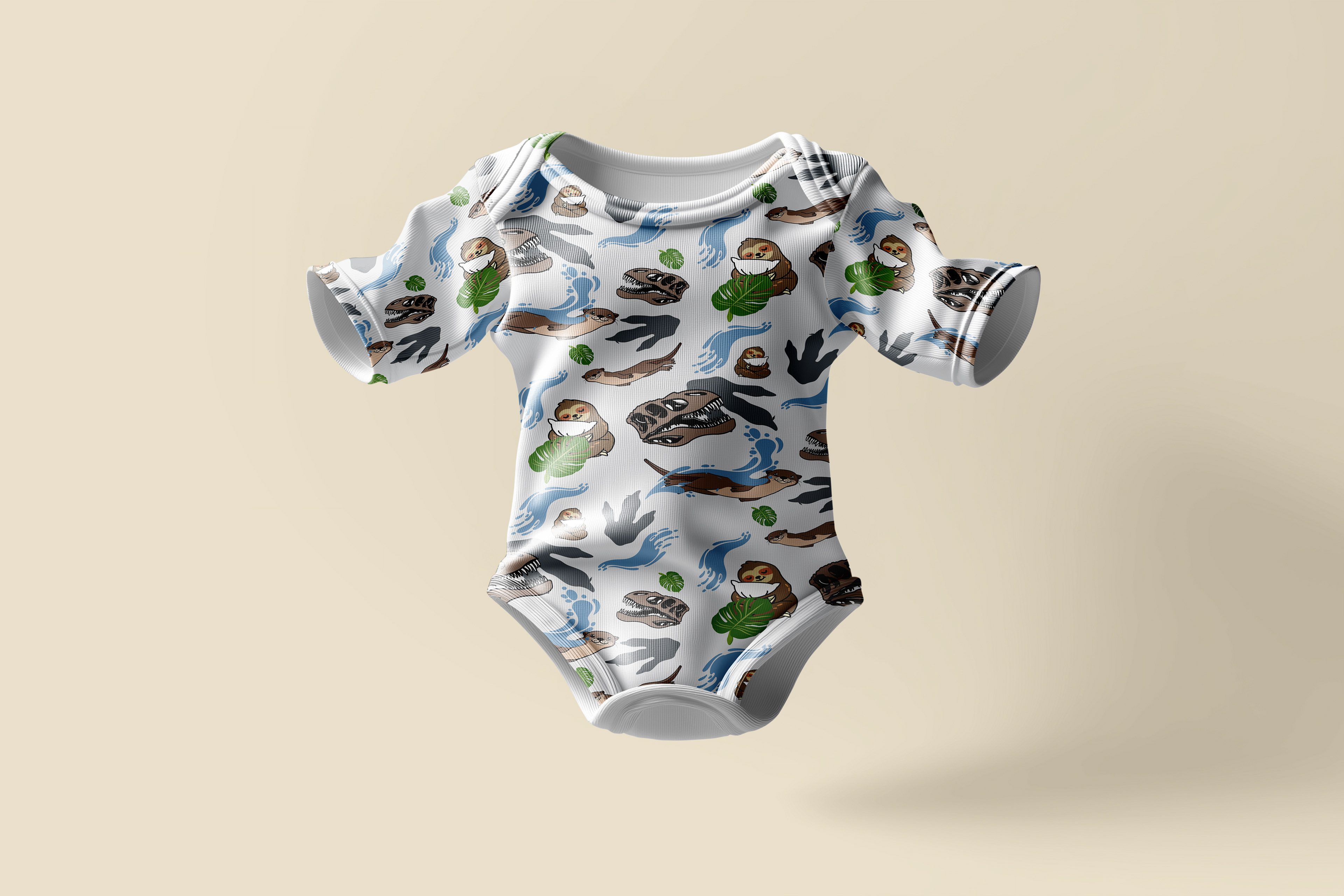
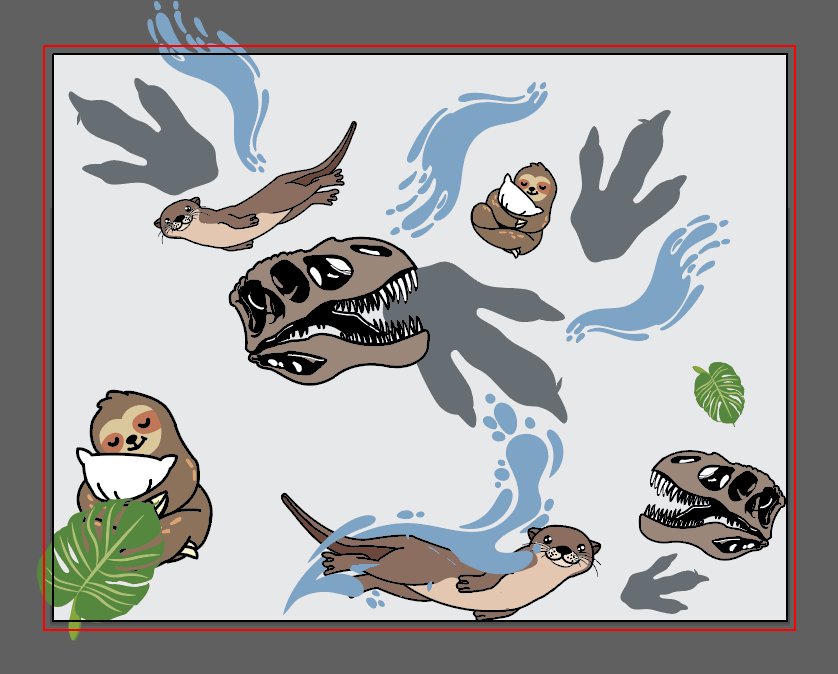
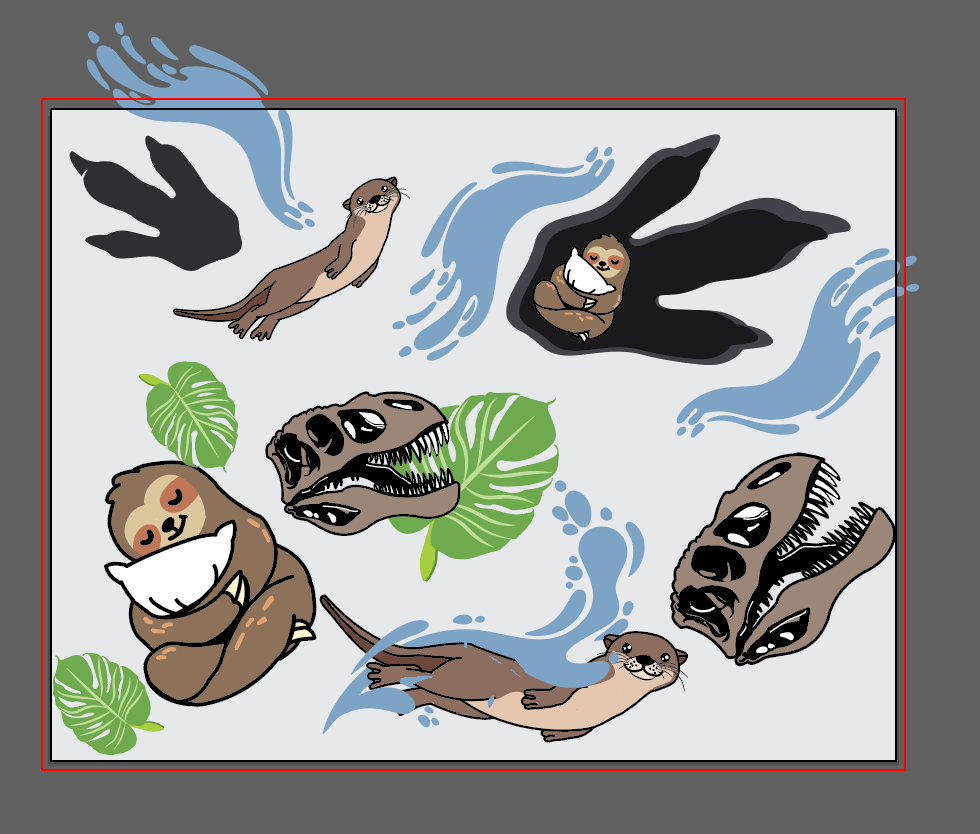
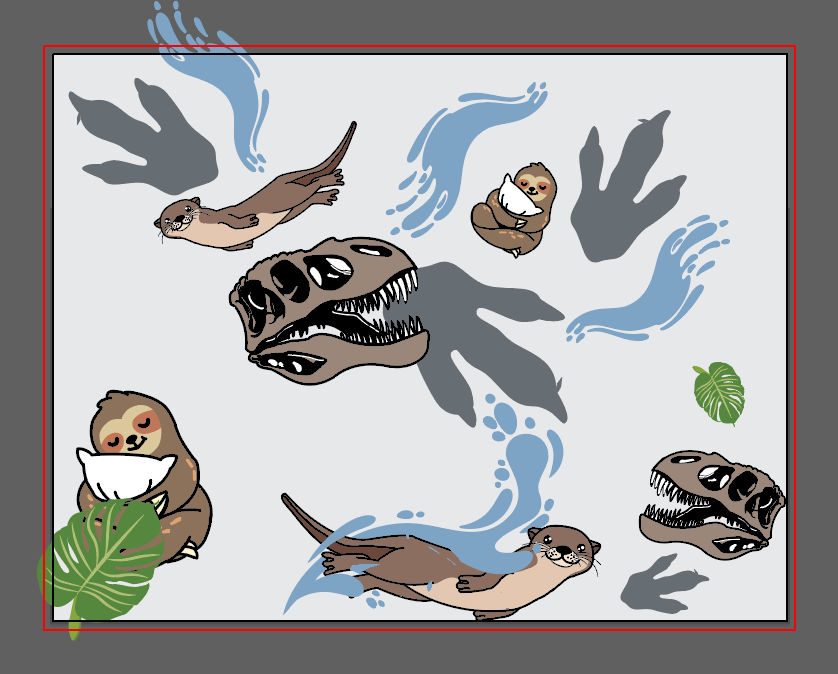
For this project, we were tasked with creating a seamless pattern with three distinct elements. For instance, I selected three animals: a skull to represent one of them, a water-dwelling creature, as well as one that lives in the trees to create a seamless pattern.Lastly, the elements needed to interact in some form and not just float in the negative space.
I went about this project by choosing my three main elements, which were a skilled sloth and an otter. After creating my elements, I muted the colors a bit to create more cohesion among the main elements. I also created the three supporting elements, and I chose something to do with each of the three elements. I paired the otter with water, the sloth with leaves, and the skull with a dinosaur footprint. Lastly, I edited the colors of the three supporting and placed them around the grid to make sure they created a seamless design.
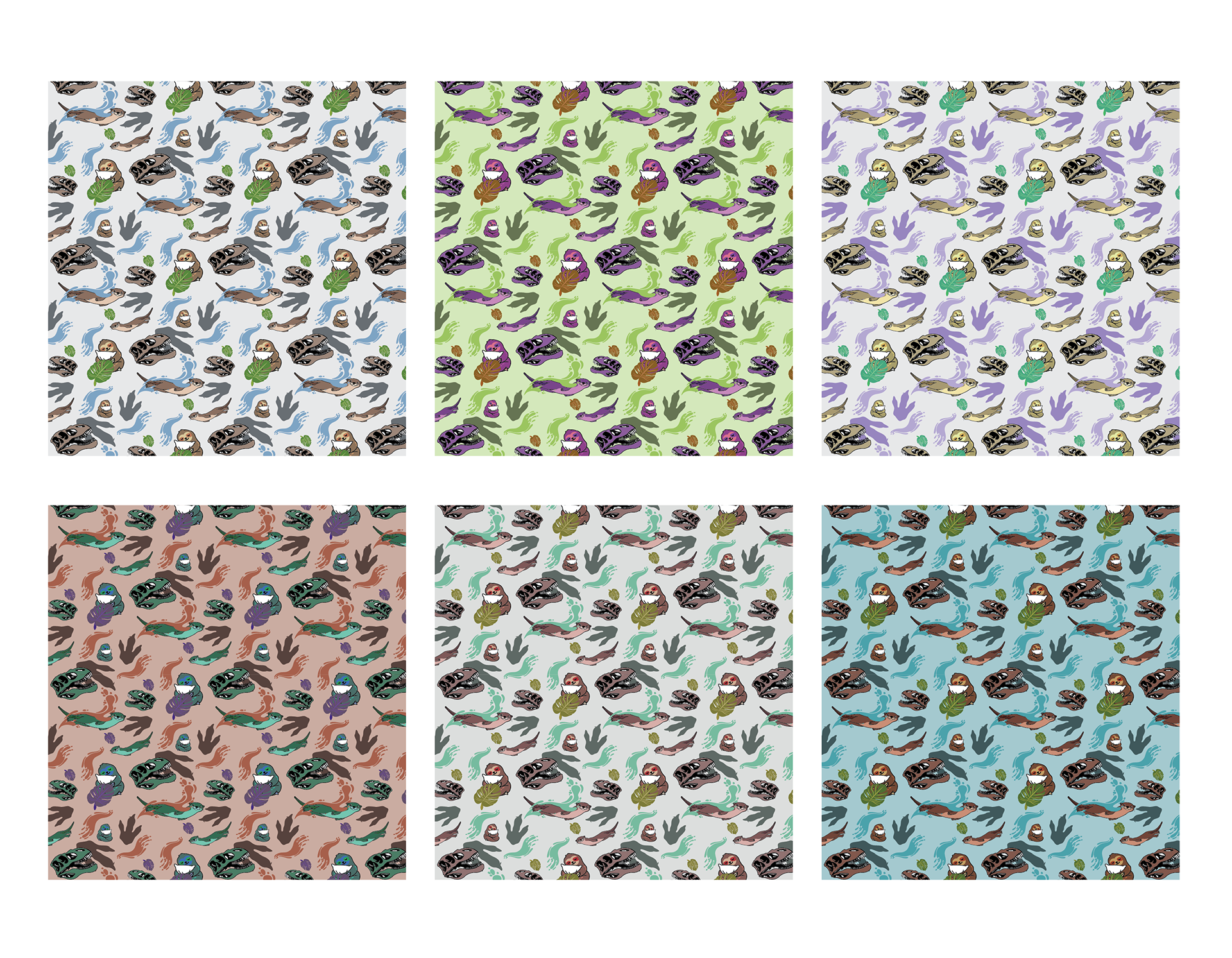
I learned a lot of new Illustrator skills by doing this project. I learned about making a pattern with objects and how to rearrange and create many different patterns from just one tool. I also learned how to change color variations of not just the pattern but any artwork that I create in Illustrator to make it easier to change color rather than just individually changing each element.